



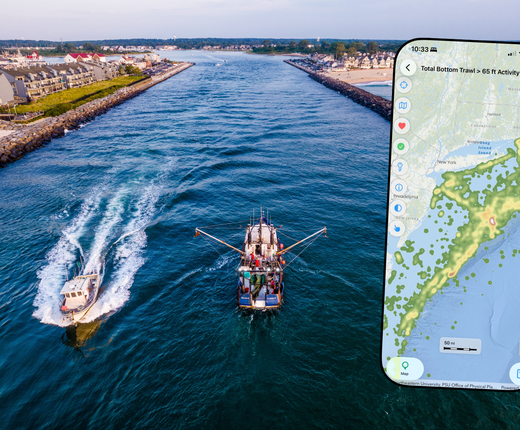
A new and improved version of the Mid-Atlantic Ocean Data Portal’s mobile app, MARCO Ocean Maps, is now available for download on iOS and Android devices. First-time users can download the free app at the Apple App Store or Google Play, and those with previous versions on their devices can update them to take advantage of the latest features.
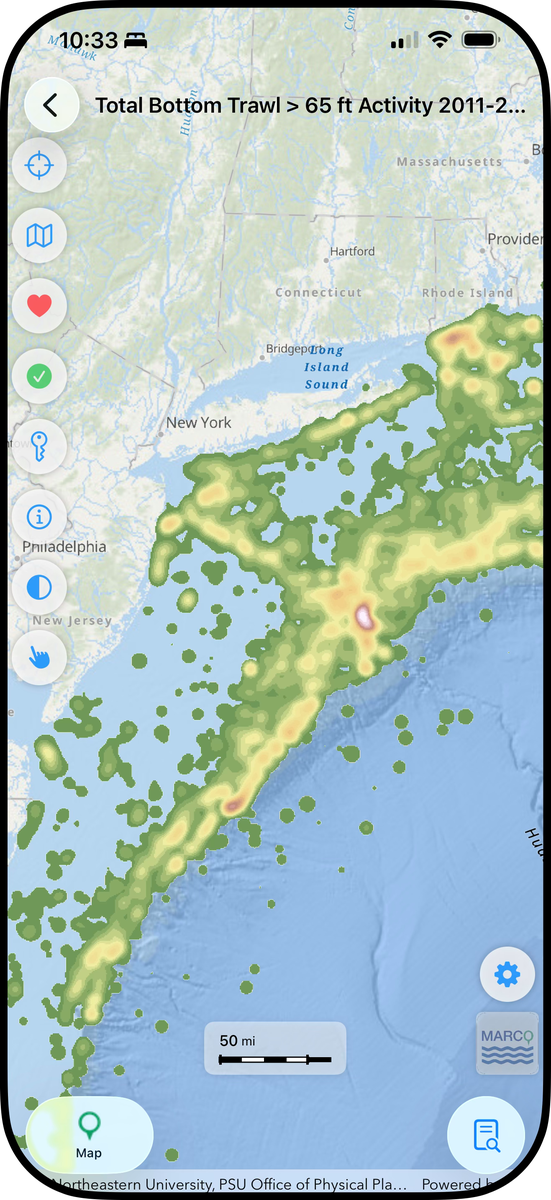
Upgrades in the new version include:
- A redesigned viewer with floating buttons and movable tabs that enable you to see a more spacious map on screen.
- The ability to tap your screen for pop-ups with more information about map layers, as users can on the desktop site.
- Access to map data types that weren’t supported in previous versions, including time series sliders.
- A redesigned theme/map layer list with improved search capabilities that make it easier and faster to find what you need.
Whether you’re at the beach, on a boat or in the field, the app provides iPhone and Android users quick access to the Portal’s full collection of over 6,000 maps of ocean and coastal features. The new Portal app was designed to serve as a streamlined, mobile friendly version of the Portal’s “Marine Planner” GIS web app, which features thousands of interactive maps showing ocean resources and uses in the region.
Some advanced tools and capabilities (e.g. drawings, importing external data) on the desktop site’s web app, Marine Planner, are currently not available on the mobile app. Users should continue to visit portal.midatlanticocean.org to explore its full data offerings, tools and other content.
However, the app contains some features that are unique from the Portal, including a GPS indicator that shows where you’re located in real time on the map and an option to “favorite” layers, an alternative to the desktop site’s Bookmark tool which allows you to quickly find them the next time you open the app. Further enhancements will be made to future versions.
The app was developed by a team of students and faculty from Monmouth University’s Department of Computer Science and Software Engineering and Urban Coast Institute under the direction of the Mid-Atlantic Regional Council on the Ocean.
Using the App
Upon the first time opening the app, you’ll be presented with instructions that you can browse through or close. You can access them any time by tapping the Settings (gear) icon and selecting “Tutorial.”
You can also view the following two guides for your devices.
Tell Us What You Think
Help us continue to improve this app by reporting any technical issues you encountered or sharing any ideas you have to make it better. When reporting bugs, please be sure to include your device type and version. For questions, comments, or to report an issue, please email portal@midatlanticocean.org.